

Install prompts
beforeinstallprompt timing, custom UI, and analytics on uptake without nagging users.
We build responsive PWAs for businesses that need reliable field tools, customer portals, and staff workflows: secure contexts, cache-aware networking, and update paths your IT team can live with.
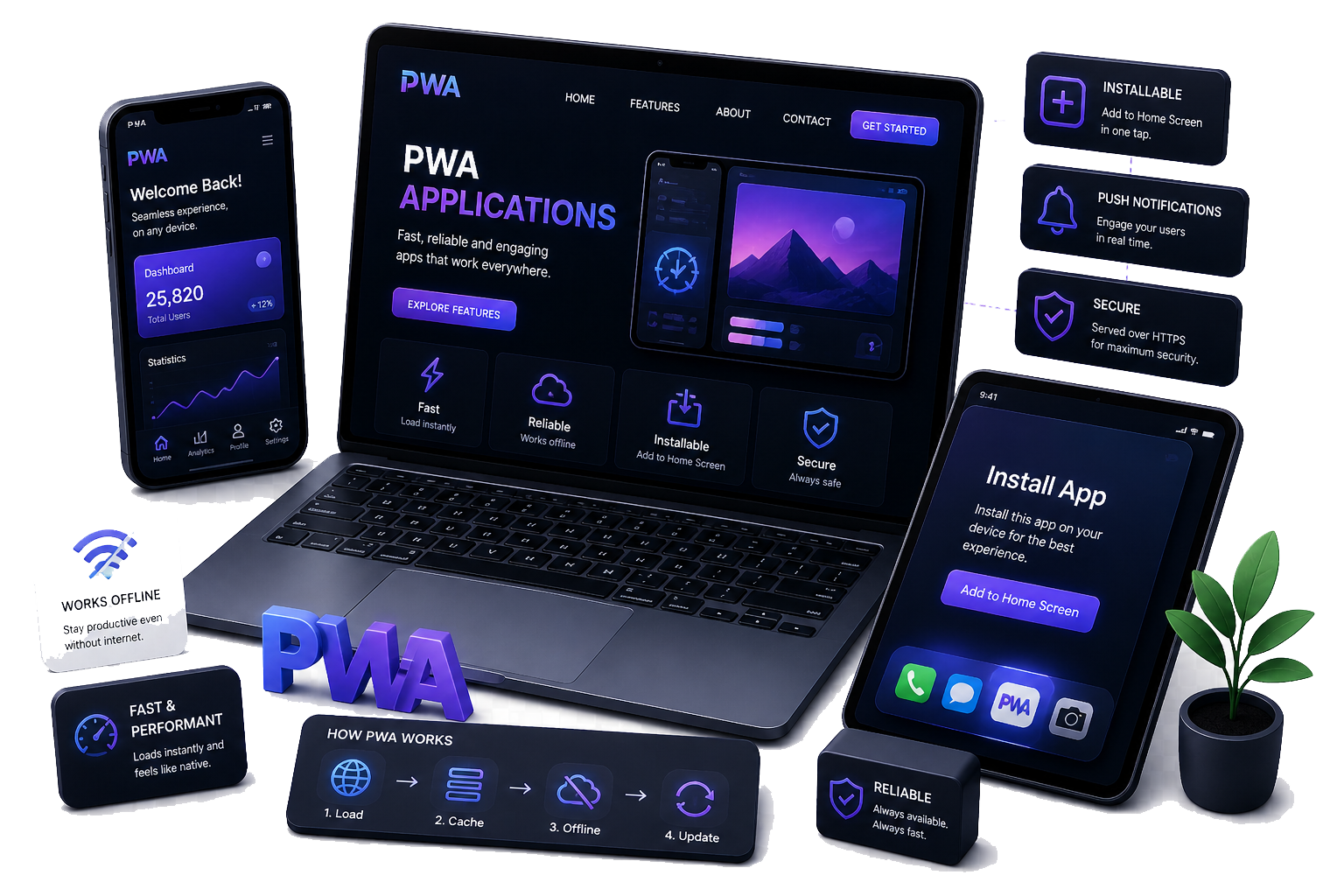
PWAs sit in the sweet spot between a marketing site and a native app: deep engagement, fewer install barriers for many use cases, and deployment cadence your team controls — as long as caching, permissions, and update semantics are designed with intent.
We recommend PWAs when your users already live in the browser, when you need rapid iteration without store review gates for every fix, or when installability is “nice to have” while reach and SEO still matter. We are candid where native capabilities or policy constraints still favour a store app.
The manifest and icons are only the visible tip. Lasting PWAs depend on cache naming, precache vs runtime routes, background tasks, and a release process that avoids “stuck” clients — we document and test those paths explicitly.
We align feature depth with browser support matrices and your risk appetite: pragmatic defaults, progressive enhancement, and telemetry so you know when to tighten policies or retire legacy clients.
beforeinstallprompt timing, custom UI, and analytics on uptake without nagging users.
Opt-in flows, quiet hours, and payload hygiene when you genuinely need re-engagement.
Deferred uploads and form posts that resume cleanly when the device comes back online.
Core Web Vitals aware bundles, code-splitting, and image pipelines that stay fast on mid-tier phones.
Focus management in SPA-style views, ARIA where it helps, and keyboard paths for power users.
Client-side breadcrumbs and service worker errors surfaced to your existing monitoring tools.
PWA delivery needs design, front-end, and infrastructure in the same conversation — we keep prototypes, audits, and release notes aligned so stakeholders see progress instead of black boxes.
We start by validating the journeys that must work offline or under poor connectivity, and which APIs your browsers and policies actually allow. That shapes the MVP shell, auth behaviour, and the minimum viable caching story — so we do not paint you into a corner with over-ambitious precaching on day one.
Design and engineering iterate together on the app shell, API contracts, and update prompts. Through QA we exercise install, update, and rollback paths on real devices and throttled profiles. At launch you get documented cache rules, release checklists, and optional monitoring hooks — so discovery, UX, build, hardening, pilot, and steady-state operations stay traceable from first workshop to the updates that follow.
Exact artefacts depend on your stack; below is a representative baseline for production PWAs.
Tell us about users, devices, connectivity, and auth. We will map a proportionate PWA scope — honest about native gaps, clear on cache trade-offs, and focused on launch you can sustain.