1
Book your session
Use the Support Panel to request help and choose a time that suits you.
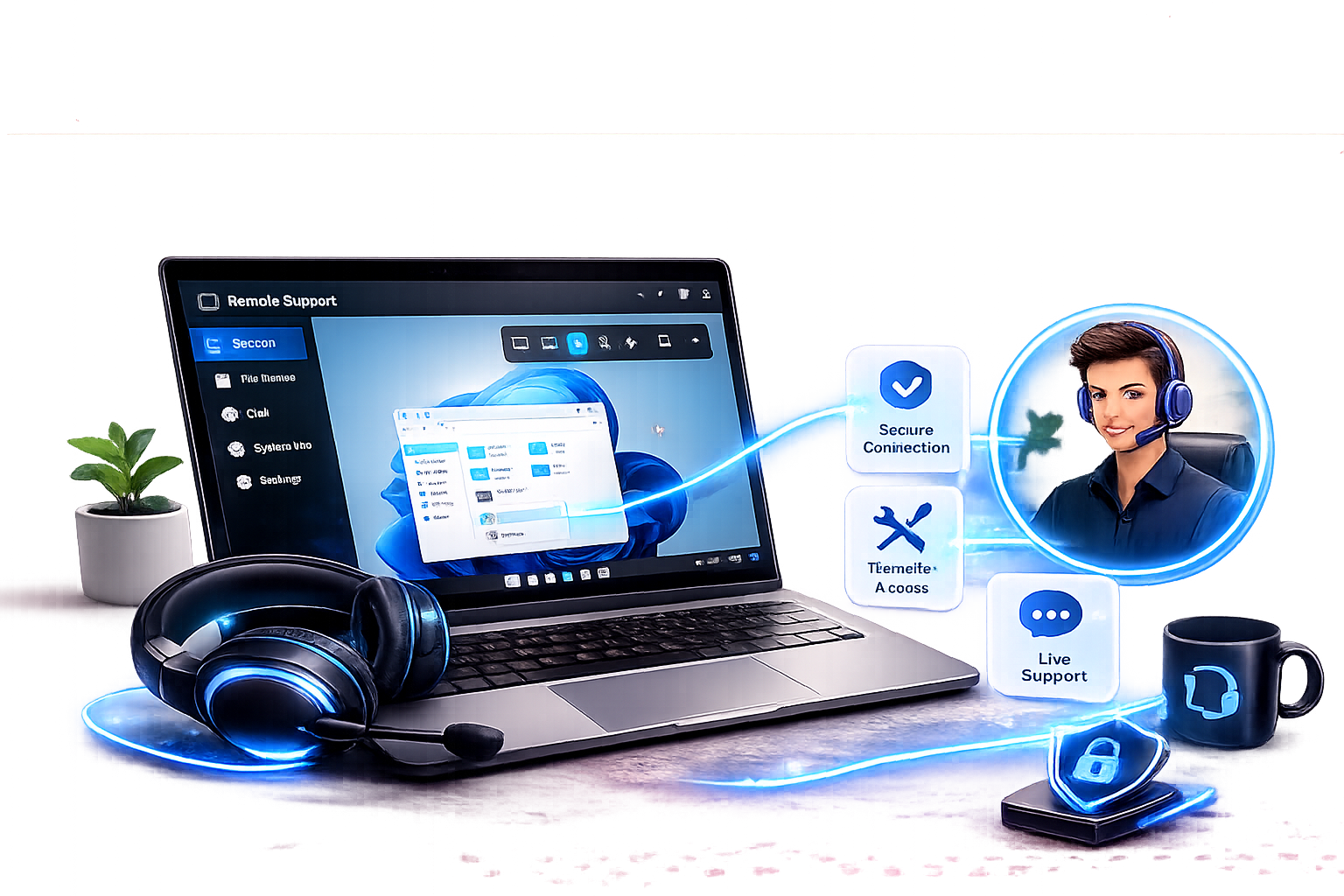
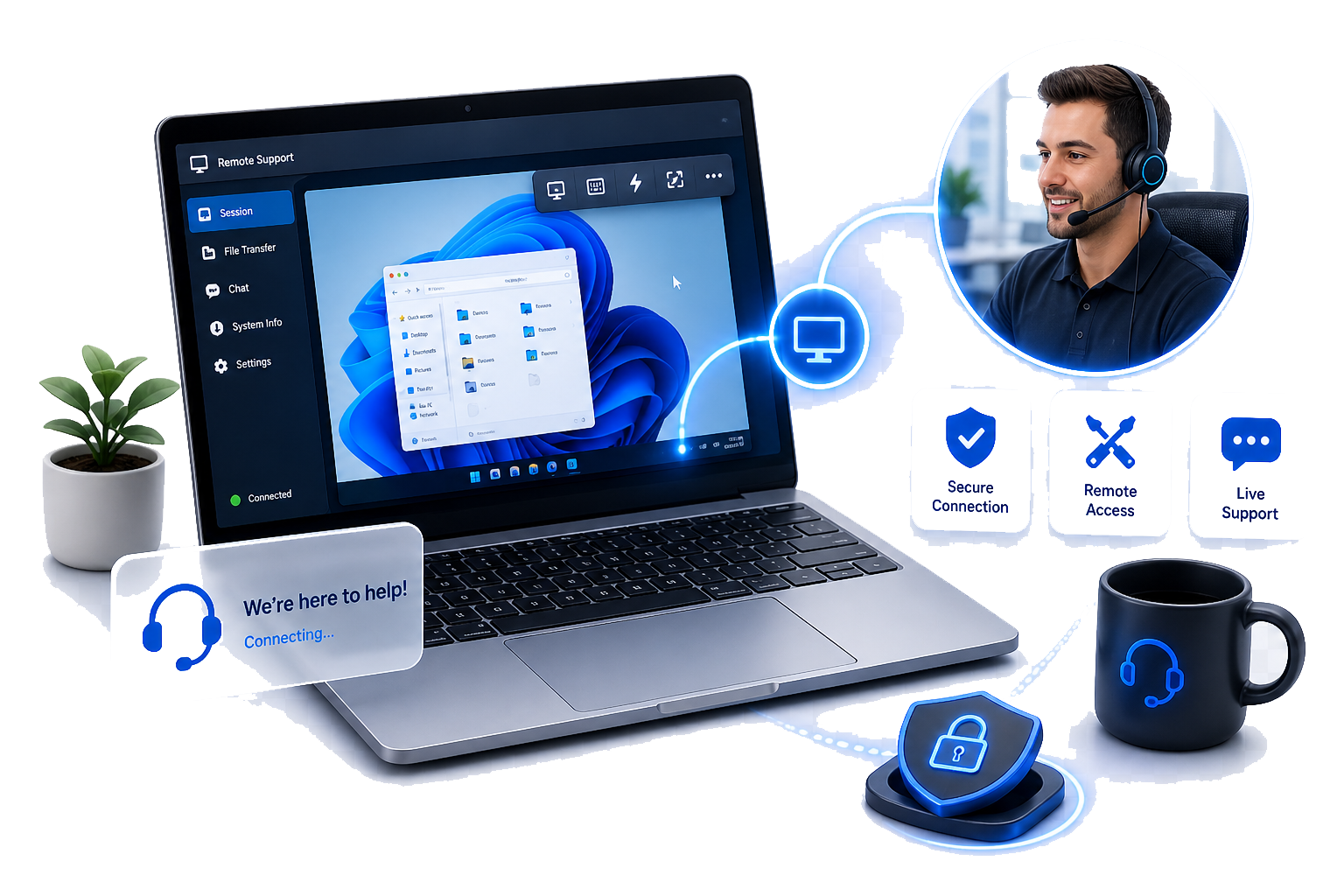
Open Support PanelWe provide fast remote assistance for business users using our custom remote support software. You can book a session and download the secure remote access tool from our Support Panel, then we connect and resolve the problem with clear communication.
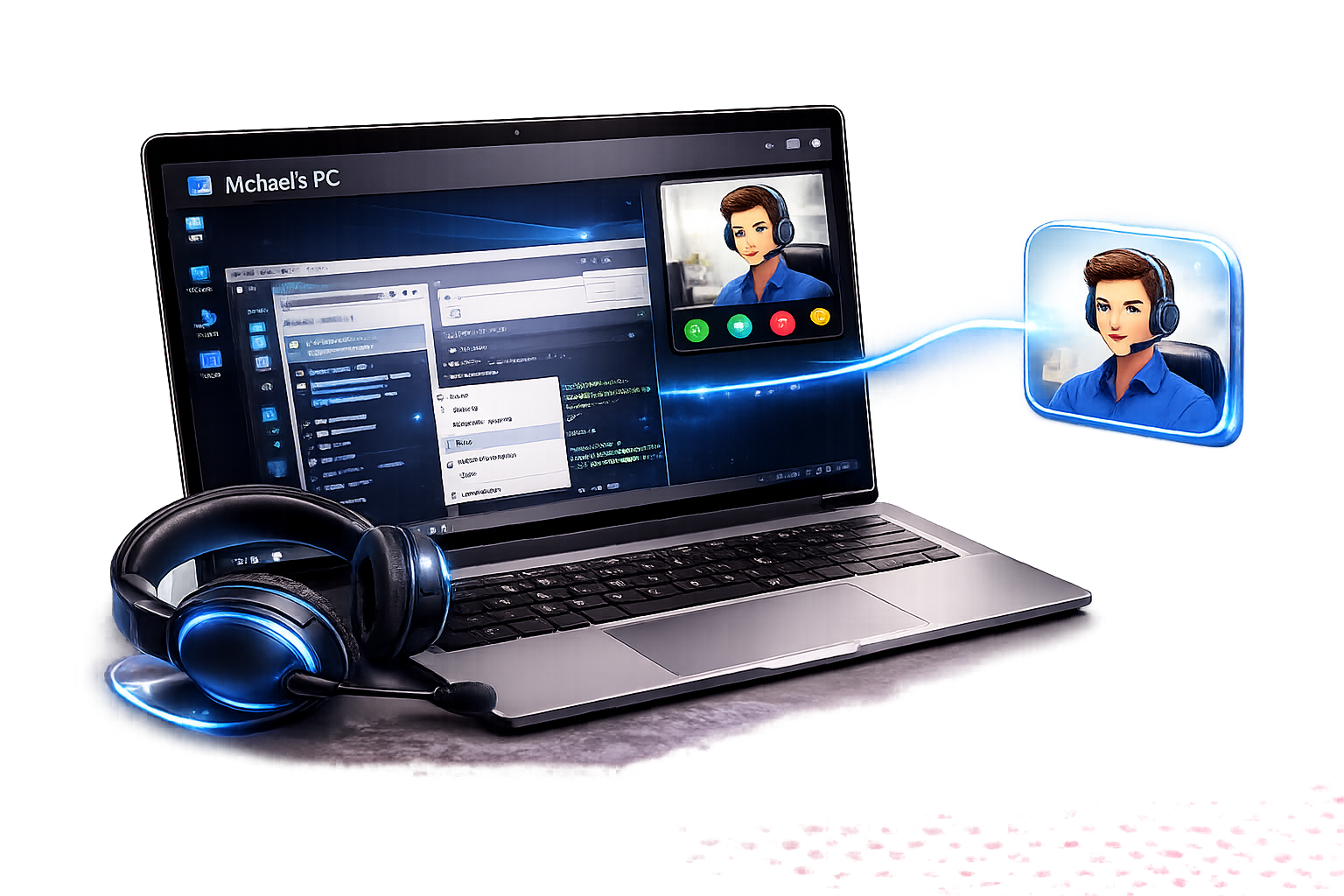
Book a session, download the tool, approve access — then we fix the issue and send a clear summary.
Use the Support Panel to request help and choose a time that suits you.
Open Support PanelInstall our custom remote support software from the Support Panel. It’s used only for approved sessions.
You’re in control. We connect only when you authorise the session.
We diagnose, resolve, and then document what was done and any recommendations.
Remote support is ideal for issues that need hands-on troubleshooting, configuration, or guidance.
Connectivity, configuration, deliverability basics, and mailbox setup.
Certificate errors, access issues, and practical troubleshooting.
Diagnose common record issues and service connectivity problems.
Connectivity checks, credentials, and client-side tooling help.
Remote access should feel safe and controlled. Our process is approval-based and session-scoped.
You’ll know what we’re doing, what we found, and what to do next.
We explain the issue and the fix without jargon.
Actions taken, what changed, and any recommendations.
Where possible, we suggest changes to reduce recurring issues.
Use our Support Panel to book a session and download the secure remote access tool. Once installed, you approve access and we’ll take it from there.