1
Pre-visit triage
We capture the symptoms, what changed recently, and what “fixed” looks like.
Open Support PanelSome problems are faster to solve in person: unstable networks, hardware faults, server room issues, and office setup work. We provide practical on-site IT support with clear communication, sensible fixes, and a written summary after the visit.
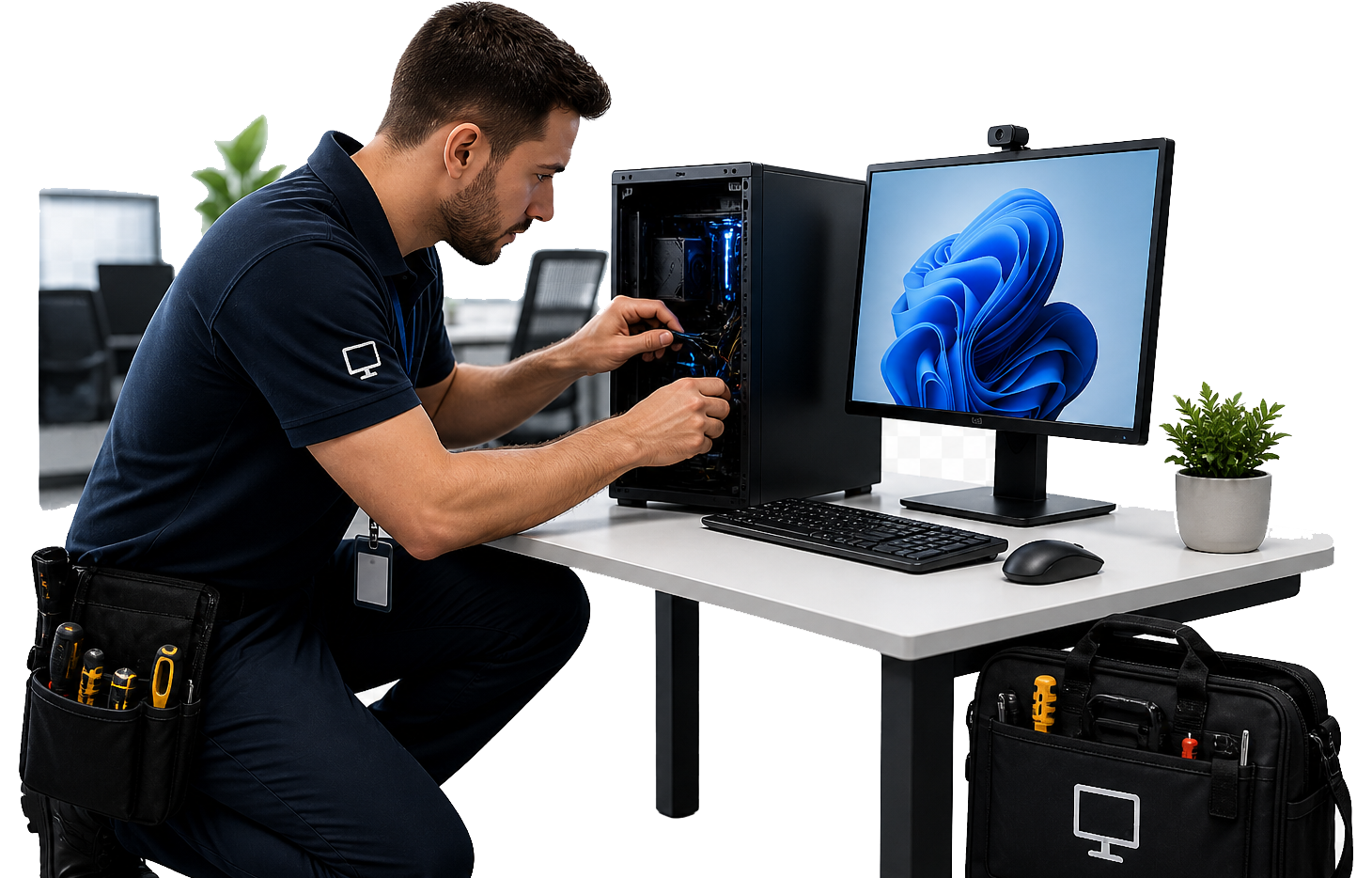
We arrive prepared, diagnose quickly, fix what we can on-site, and document what changed.
We capture the symptoms, what changed recently, and what “fixed” looks like.
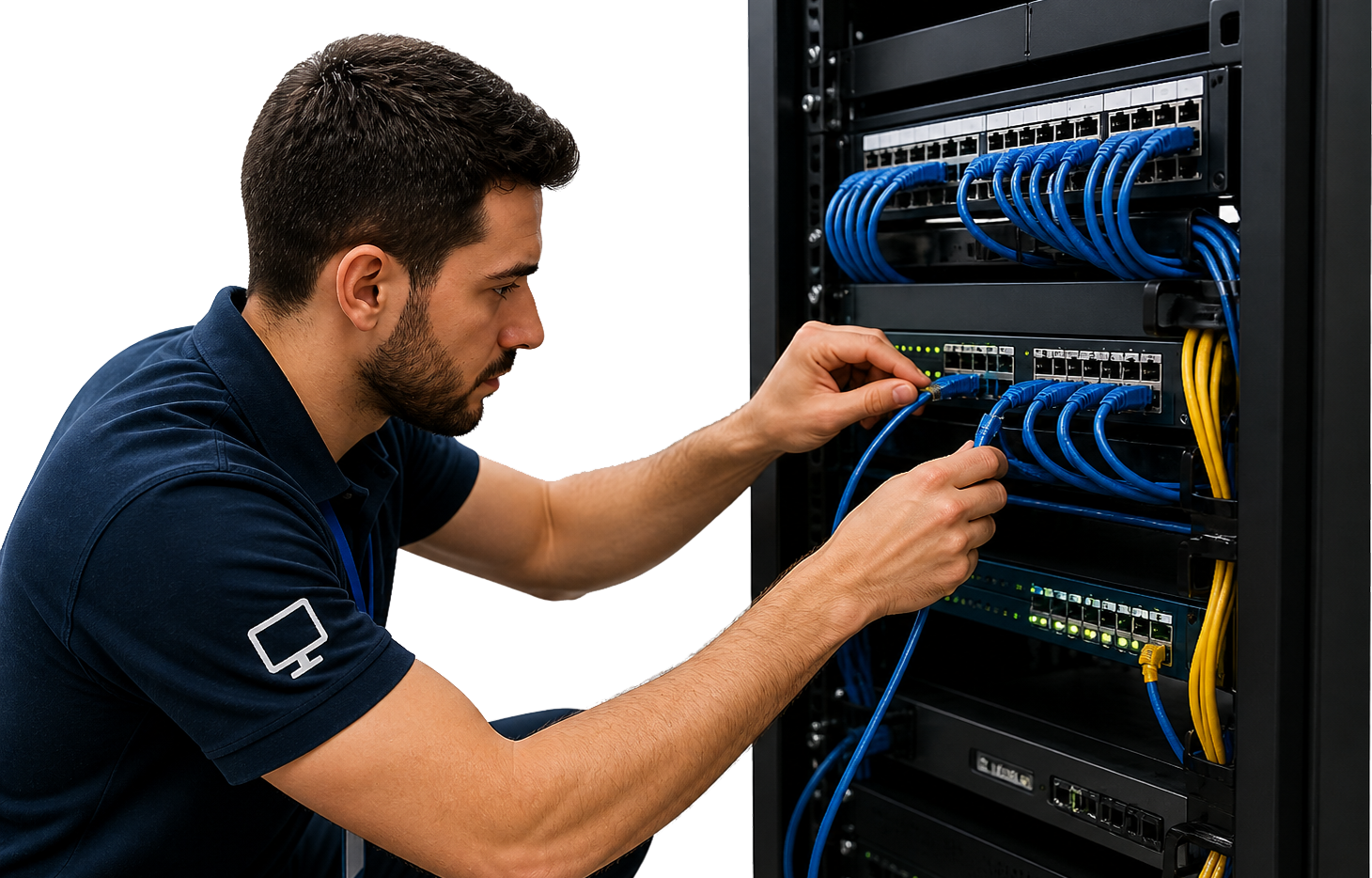
Open Support PanelHands-on testing of devices, cabling, switches, Wi‑Fi, and server equipment as needed.
Resolve the incident, then make sensible improvements that prevent repeats.
You get a clear write-up of what we found, what changed, and recommendations.
Anything that benefits from physical presence, testing, or reconfiguration in the office.
Coverage issues, dropouts, switch problems, and tidy network layouts.
Setup, troubleshooting, performance issues, and user onboarding.
Hardware checks, cabling audits, patching, and stability improvements.
Connectivity, drivers, and tidy shared printing setup.
We focus on outcomes: stabilise service, reduce risk, and leave the environment in a better place.
If something is likely to happen again, we’ll tell you and help you prevent it.
Passwords/credentials aren’t displayed, but setup notes are recorded clearly.
Advice on patching cadence, monitoring, and “what to watch”.
If needed, we can follow up remotely for quick checks and validation.
Book an on-site support request via our Support Panel, or contact us if you’d like to discuss the scope before the visit.